
Connect Claude or ChatGPT to WordPress. It builds the site.
Bevel MCP turns your site into an MCP server. The assistant you already use reads it, sets the design system and builds pages with Bevel Kit's widgets, held to rules that make the result look finished.
Free plan · 5 AI generations a day · No card needed
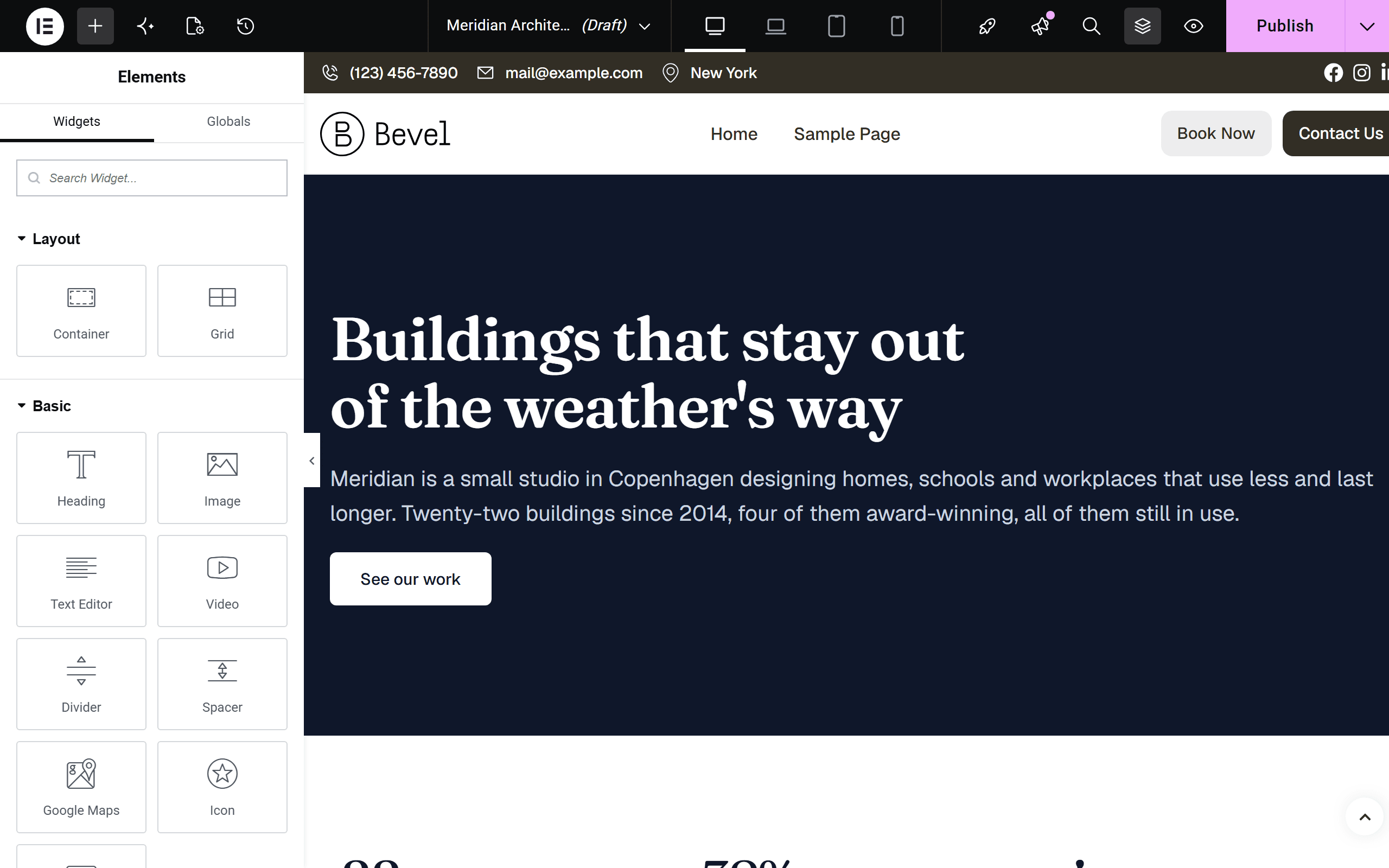
Three steps, then a conversation.
Install and connect. Install Elementor and Bevel Kit from WordPress.org, download Bevel MCP from your account, and connect the site under Bevel → Site Settings → Account.
Create a connection. Choose what the assistant may do, create a connection and paste its URL into Claude, ChatGPT, Claude Code or any MCP client.
Describe the business. Give it a brief, a current website or a screenshot. It sets colours and type, then builds the header, pages, footer and menu.
The whole site, not a single page.
Design system
Global colours, the type scale and the button style, the same settings as Site Settings.
update_design_systemupload_fontPages
Elementor pages with images imported into the media library and cropped to fit their slot.
create_pageupdate_pageTheme Builder
Headers, footers, single posts, archives, 404s, popups, mega menus and loop items, with conditions.
create_templatePosts, menus and SEO
Blog posts, navigation menus including mega menus, and a meta description for every page.
create_postadd_to_menuset_meta_descriptionBrand and media
Reads an existing brand from a website, takes files you drop in, and finds openly-licensed photos.
fetch_brandget_brand_assetssearch_imagesLogos and upkeep
A wordmark in the site's own typeface, plus cache clearing, WebP conversion and database cleanup.
generate_logooptimize_siteEvery page is checked before it is saved.
A rule engine on your site reads each page the assistant sends. It repairs what it can: mobile sizes, hover colours, text contrast, image crops that keep faces in frame, logo versions on dark bands.
What it cannot repair it refuses, with a reason the assistant acts on. A page with a grey placeholder image is saved as a draft, never published.
A daily allowance, set by your plan.
One generation is one page or one blog post. Headers, footers, logos, edits and the design system are free. A page the rules turn away does not count.
Generations a day, reset at midnight UTC, shared by every website on the plan.
Your content stays yours
The assistant talks to your site directly. Bevel's server counts generations and is never sent what was built.
You hold the keys
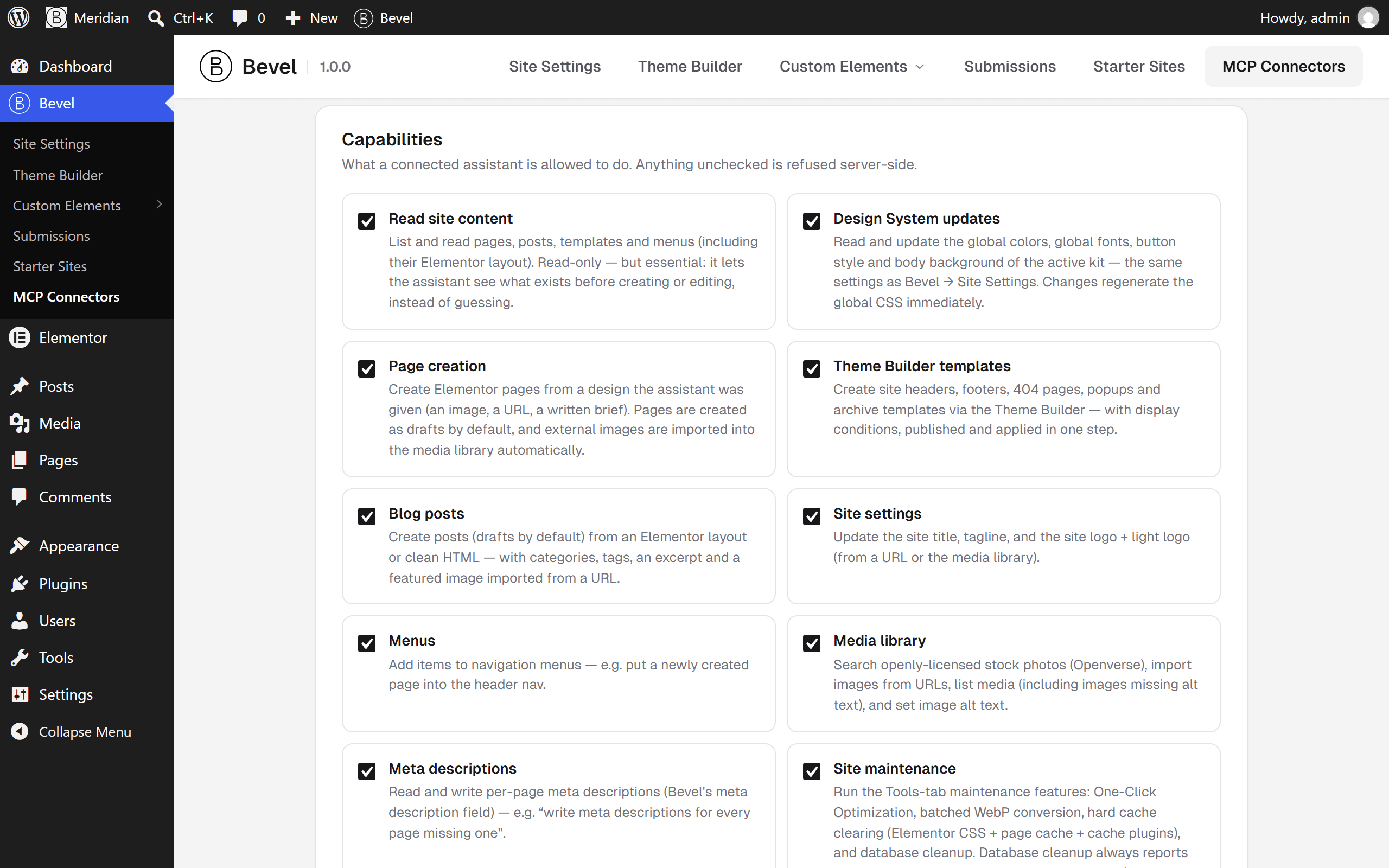
Each connection has its own secret, its own capabilities and an activity log. Revoke any of them at once.
Nothing gets deleted
There is no tool that removes a page, a template or a menu. New pages are drafts until you say publish.